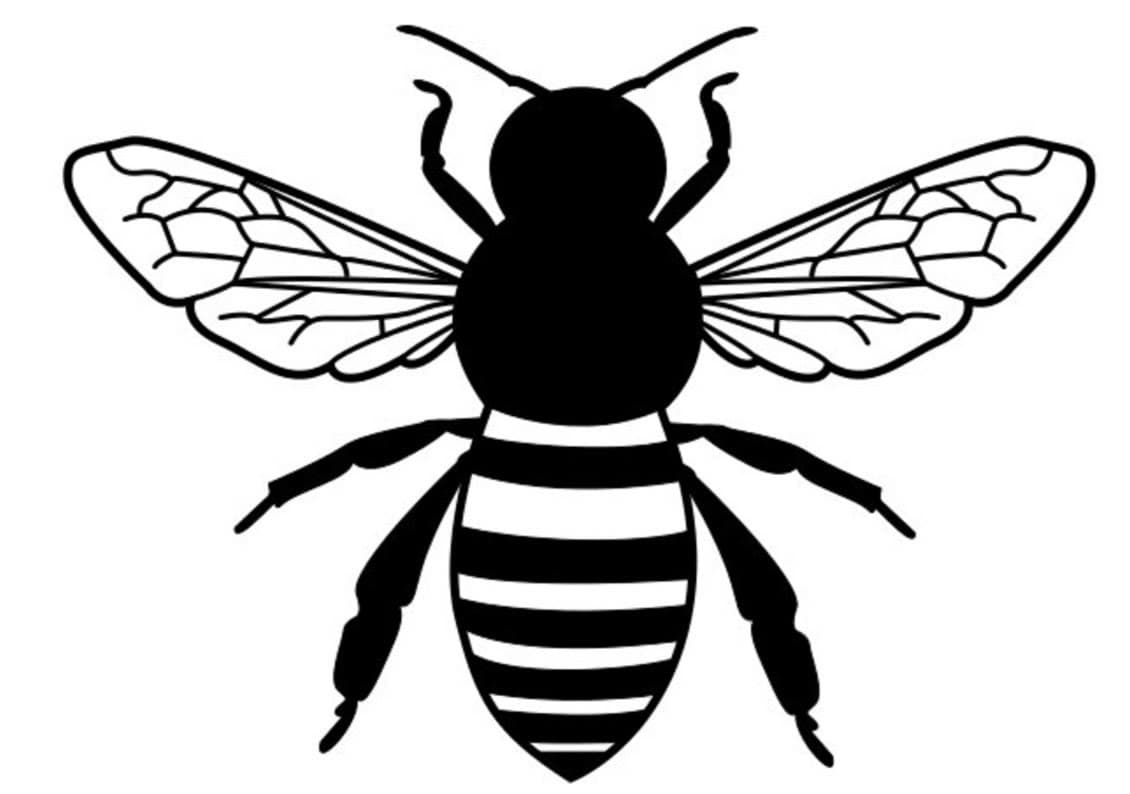
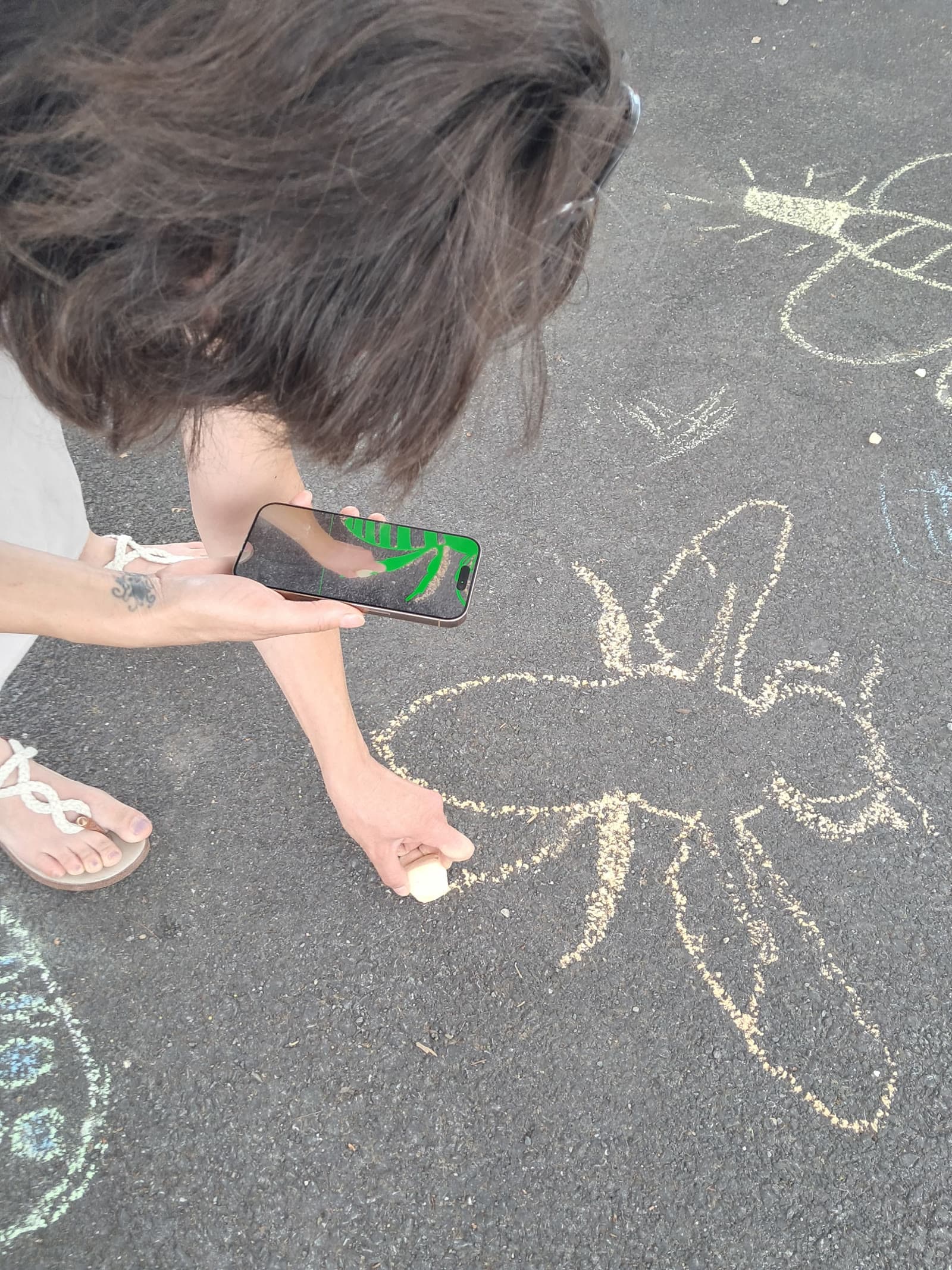
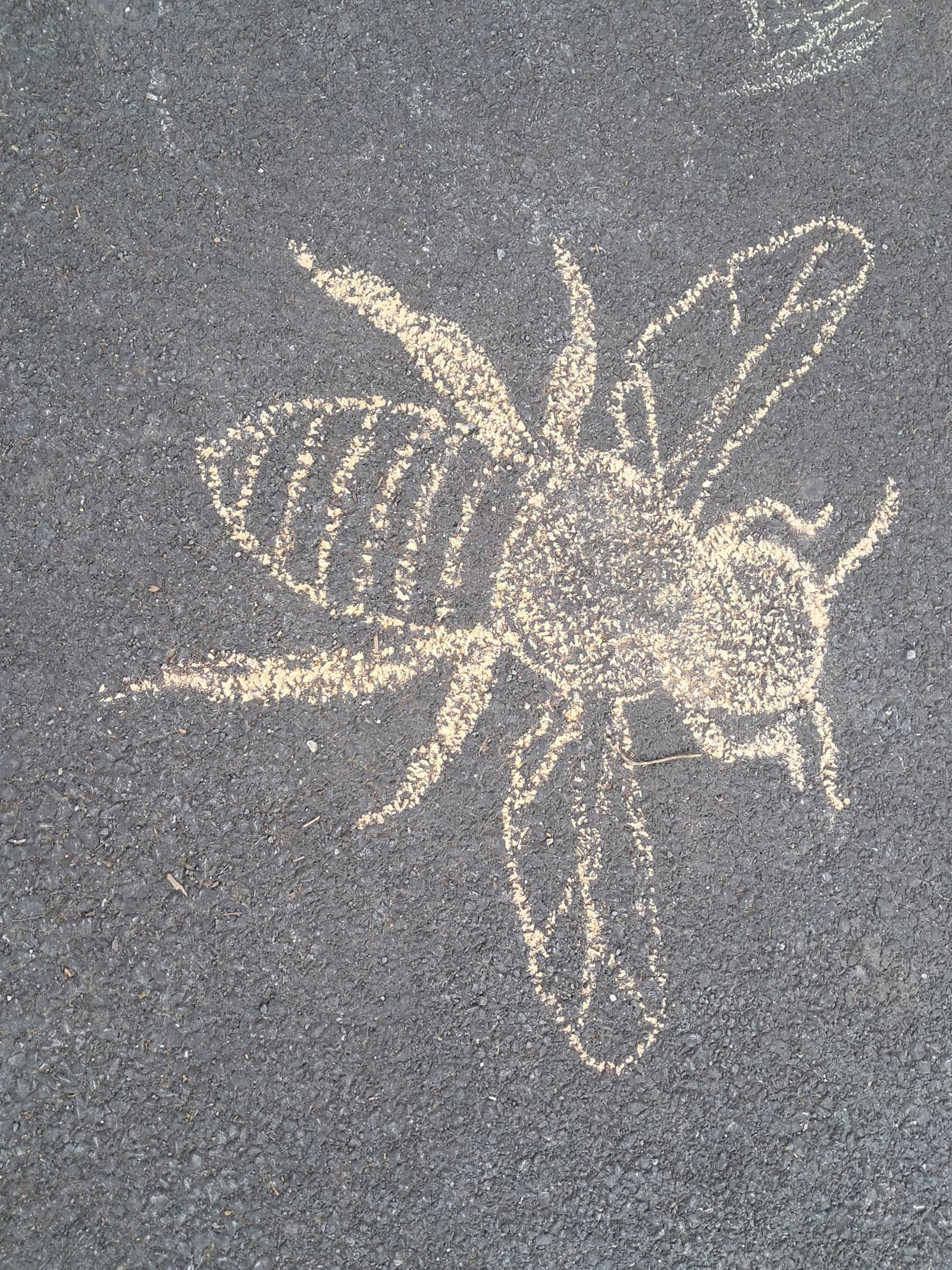
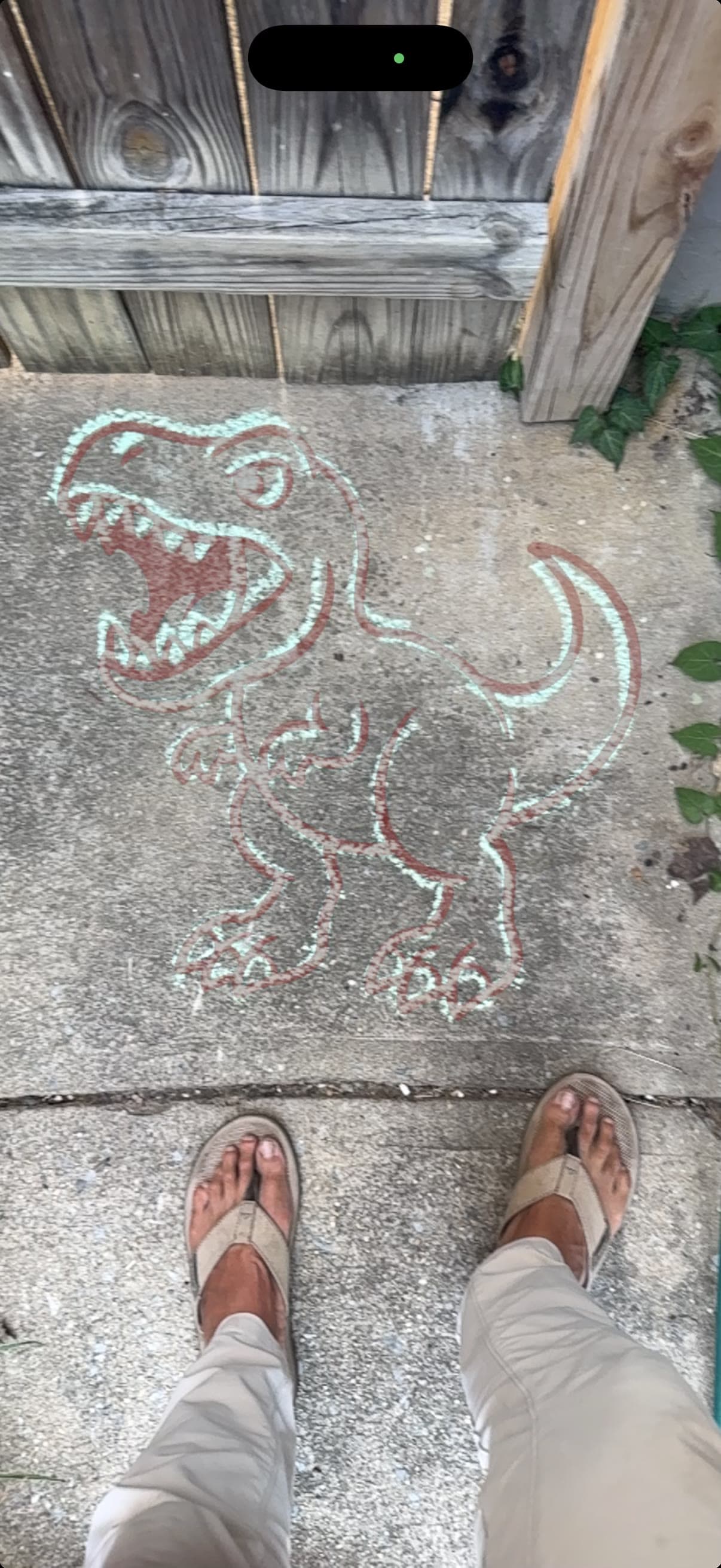
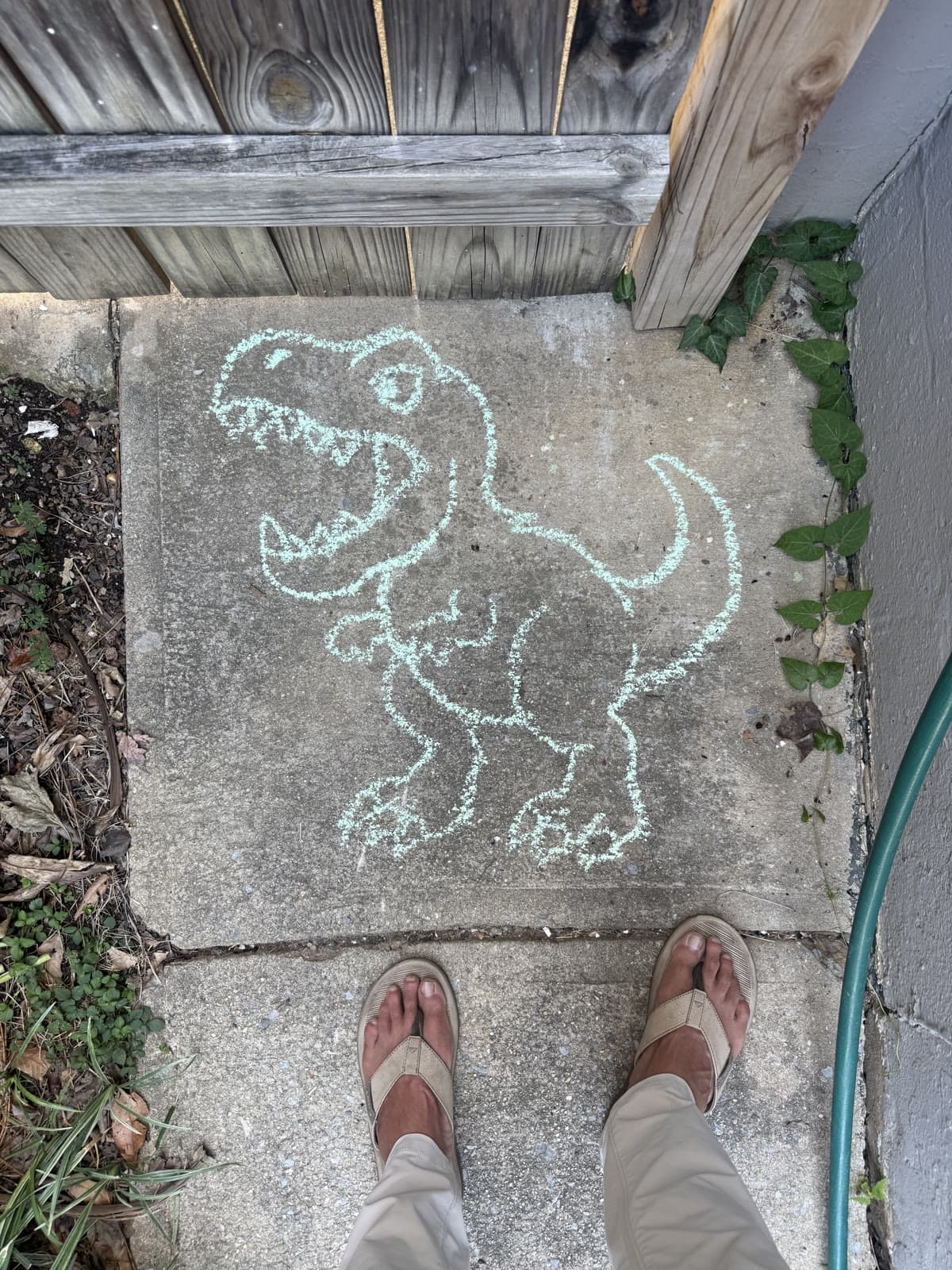
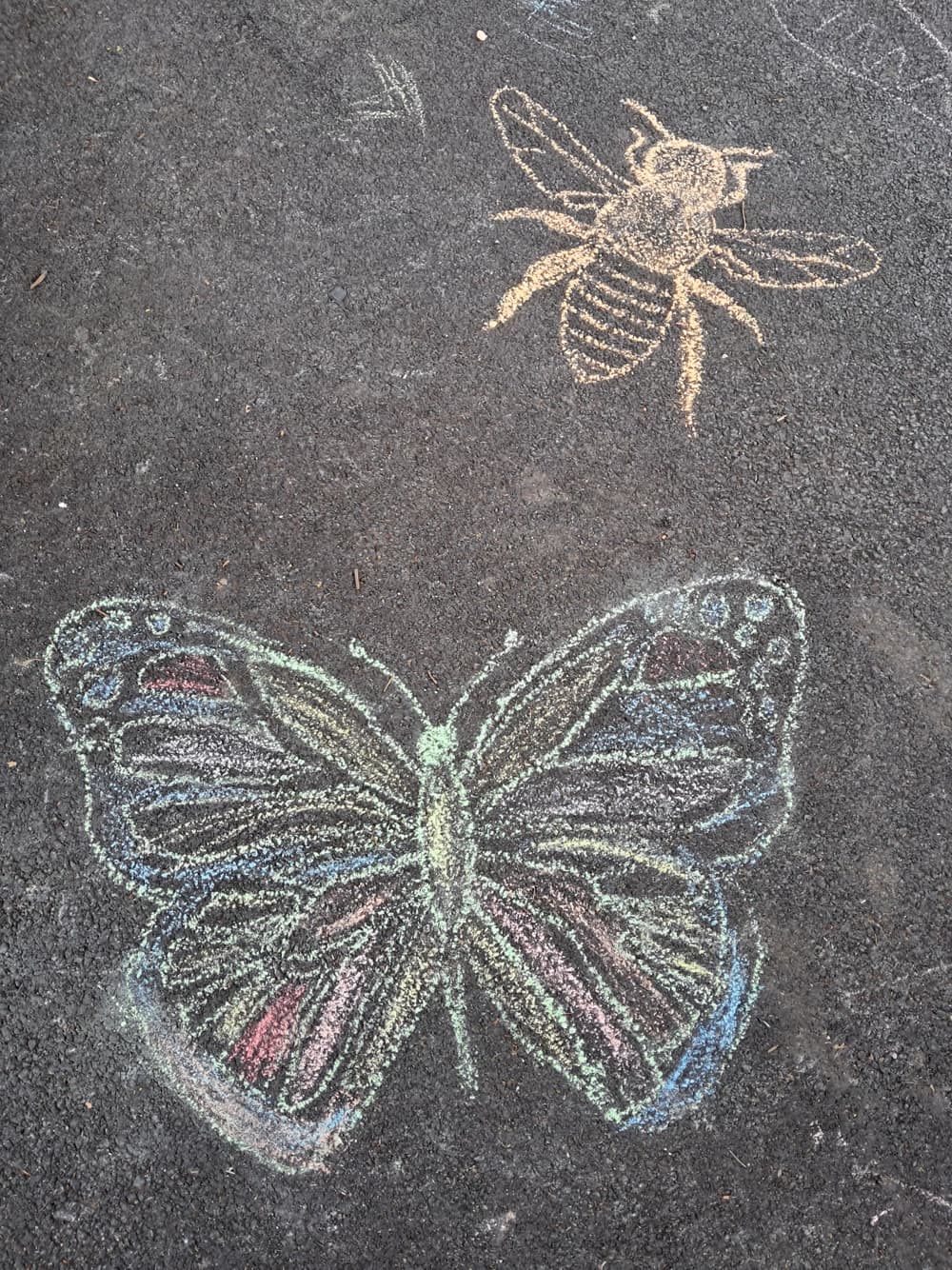
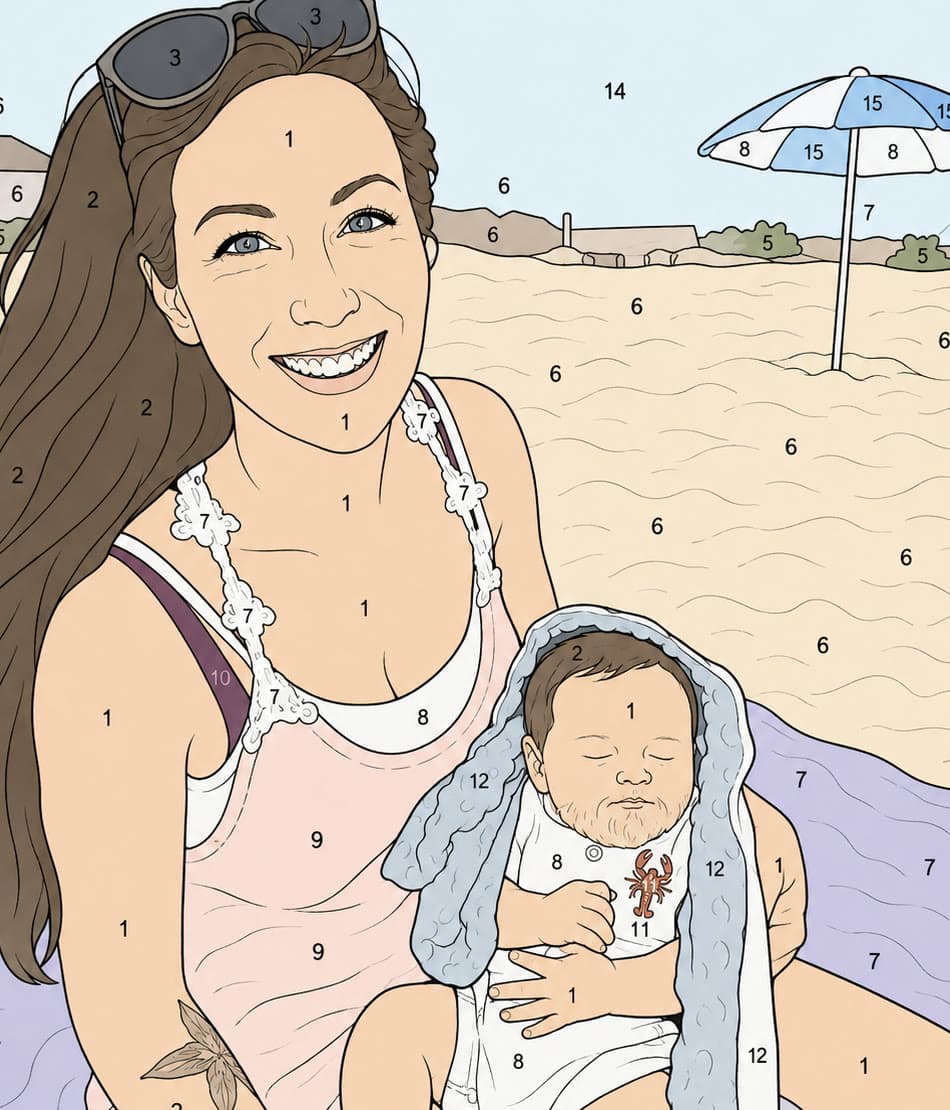
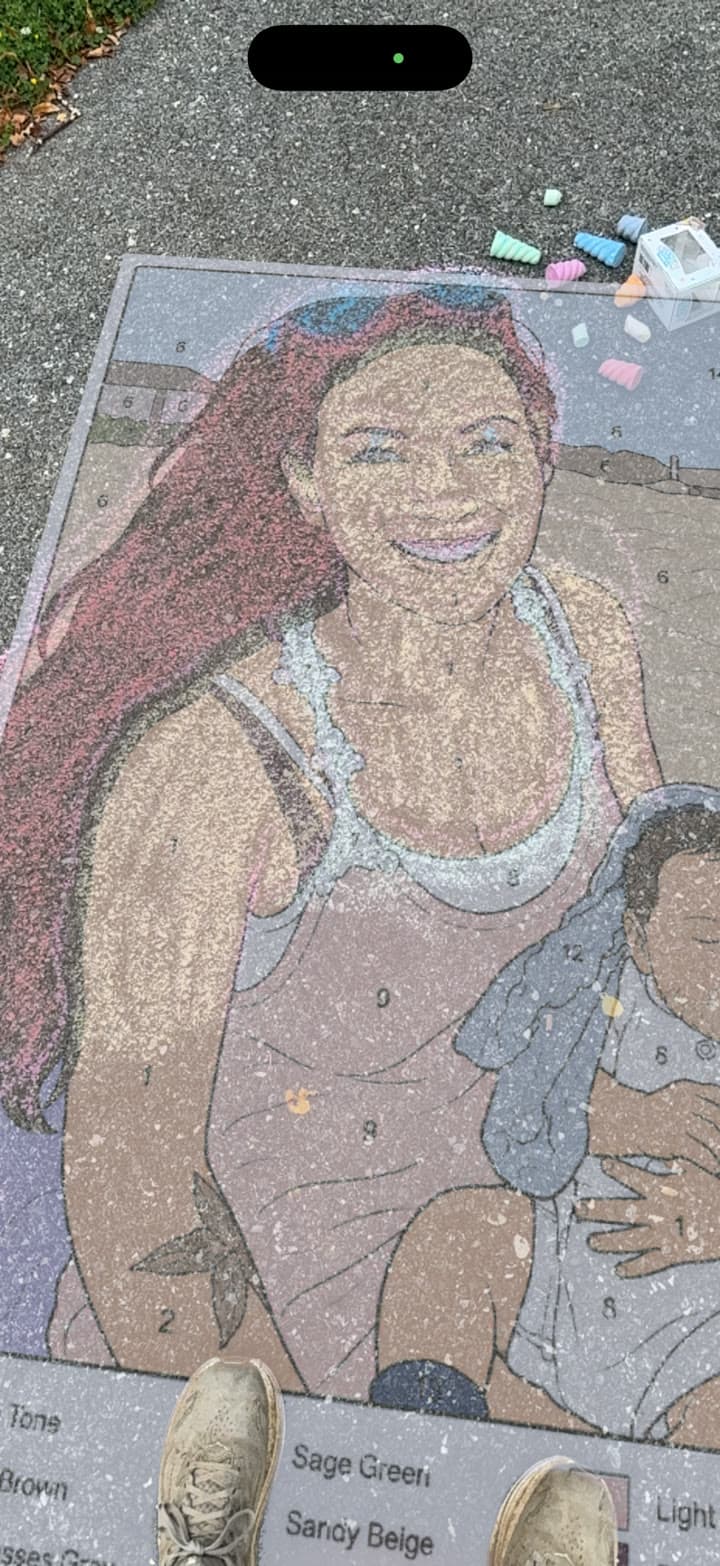
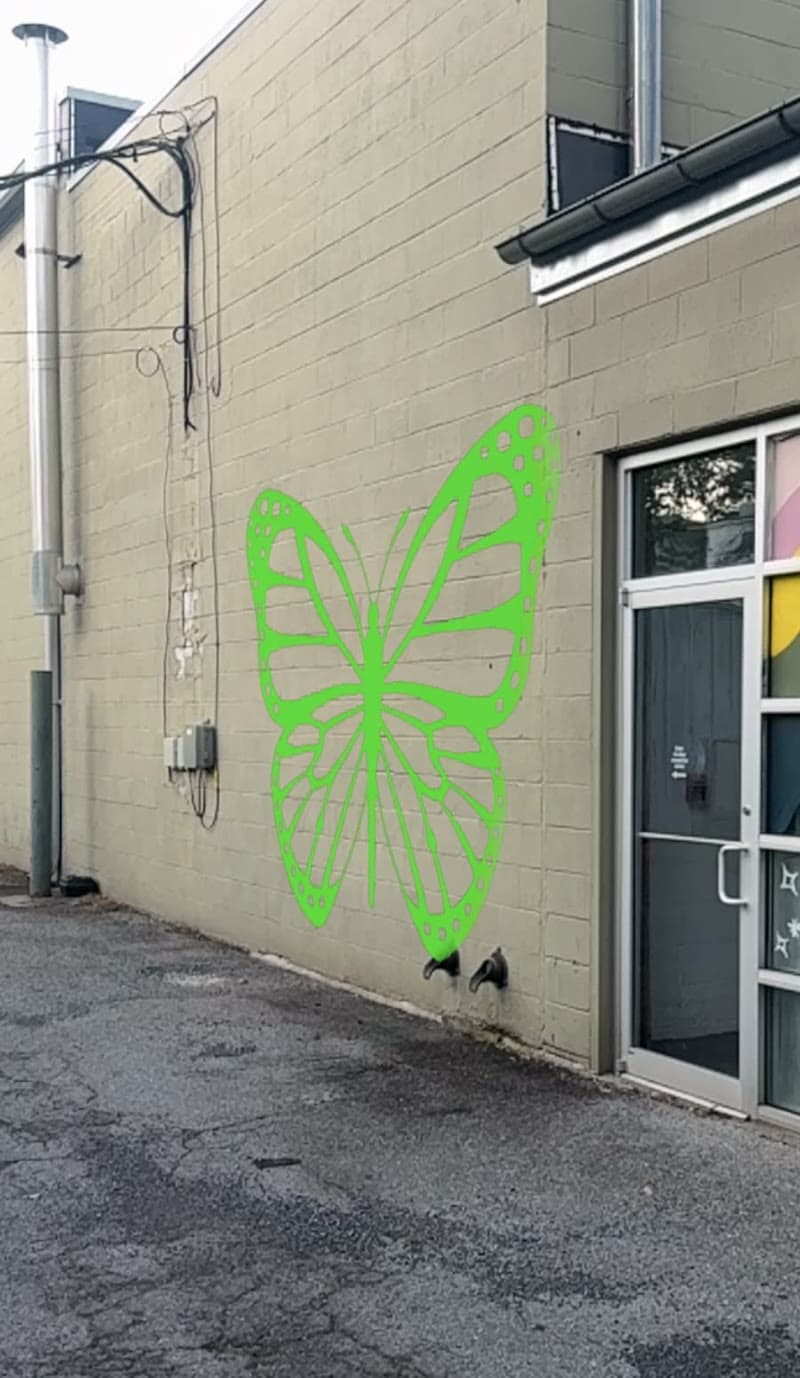
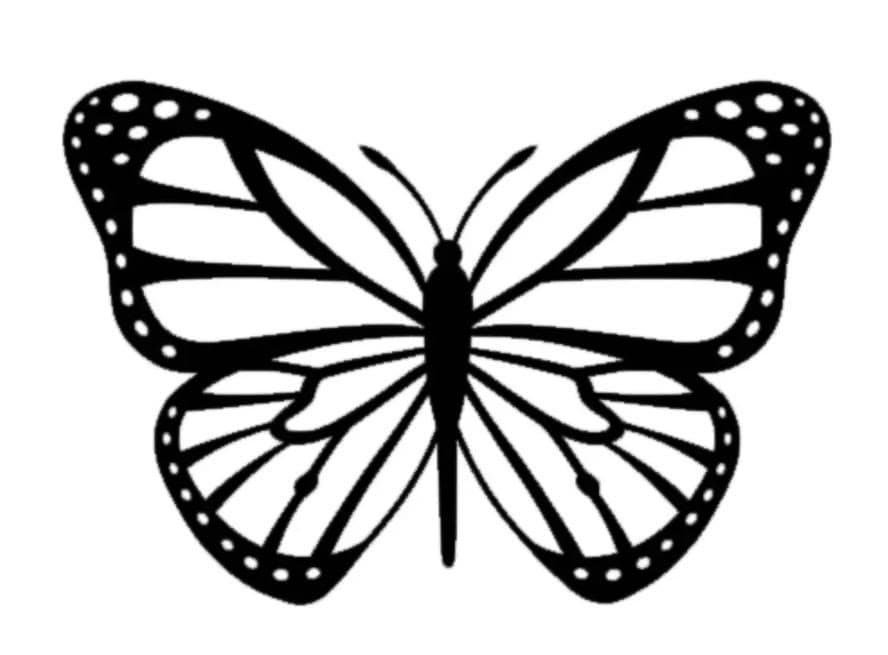
Upload your garden plan. Tap two points to set the scale. Plancast it onto your lawn at real-world size — through your phone.
From sketch to soil in under a minute. Works on iPhone Safari and Android Chrome.
Hand-drawn on paper, sketched in any app, or printed from a CAD tool. JPG, PNG, HEIC — we'll take it.
Tap two points where you know the real distance — opposite ends of a bed, a labeled fence section. Type the feet.
iPhone opens AR Quick Look. Android tracks the ground and waits for a tap. Then walk inside your garden.
Tune what shows, what doesn't, and how it sits on your actual grass.
Wipes paper white without eating yellow, pink, or pale colors. Per-channel cutoff, not naive brightness.
One vivid line color for clarity, or keep every hue from the original — colored circles, fills, and masses come through.
Hollow circles become solid filled discs. Closed polygons render as opaque masses. Toggle on demand.
Pick any two points, type the real distance. Whole bed sized to scale. Recalibrate any time.
Slider thickens or thins strokes for grass visibility. Color picker lets you match your taste or your contrast.
Bumps and humps swallowing parts of your plan? Raise it 0–24 inches off the ground so the whole design stays visible.
Your sketch, at scale, on your soil.
Open Plancast AR on your phone, upload your design, and stand inside your garden before a single plant goes in the ground.
Open Plancast AR →